 Internet
Is 2Gbps 'Hyperfast' Internet Worth the Hype?
SaveNest Editorial Team · 2026-01-28 · 14 min read
The arrival of NBN 2000 — marketed as "Hyperfast" — gives Australian households access to residential internet speeds of up to 2 Gbps download for the first time. It is an extraordinary headline number. A 100 GB game downloads in under seven minutes. A feature-length 4K HDR film transfers from an external drive across the house network in seconds. But in a country where the median NBN speed tier sold is still NBN 50, and where average household internet consumption is growing at around 20% per year, the question is not whether 2 Gbps is technically impressive — it is whether you will ever actually use it. This guide answers that question honestly.
What Hyperfast Internet Actually Means
NBN 2000, launched progressively from late 2024 and now available to most FTTP (Fibre to the Premises) addresses, delivers a maximum download speed of 2,000 Mbps — 2 Gbps — and a maximum upload speed of 200 Mbps. To put this in perspective: a typical NBN 50 plan delivers 50 Mbps download, meaning the Hyperfast tier offers 40 times the download speed at roughly 2.5 times the price.
The "up to" qualifier is important. NBN speeds are maximums, not guarantees. Your actual speed is limited by the weakest link in the chain: the NBN access network from your premises to the point of interconnect, the retailer's network capacity, your home network equipment, and the server at the other end of the connection. An NBN 2000 plan will not give you 2 Gbps to Netflix — Netflix streams do not exceed 25 Mbps for 4K. It will give you 2 Gbps to servers that can actually deliver at that speed, such as Steam game downloads, large cloud storage transfers, or direct file transfers between your home and business networks.
For practical purposes, NBN 2000 is primarily about peak throughput for large file operations, and about the simultaneous headroom it provides for multiple users and multiple concurrent high-bandwidth activities. A household with four family members each running 4K streams, two people on video calls, one person gaming, and IoT devices in the background uses at most 300–400 Mbps simultaneously. NBN 2000 provides 5x the headroom of that requirement — which is comfortable headroom, but not transformative for everyday use.
Who Actually Needs 2 Gbps?
Content creators uploading large video files to YouTube, Adobe Creative Cloud, or professional distribution platforms are among the most legitimate beneficiaries of Hyperfast internet. A 4K ProRes video file from a single day of professional shooting can exceed 100 GB. On NBN 100 with 20 Mbps upload, that file takes over 11 hours to upload. On NBN 2000 with 200 Mbps upload, it takes 66 minutes. The productivity gain for a working videographer is real and immediate.
Software developers working with large repositories, database backups, and continuous integration systems that transfer significant data between home and cloud infrastructure can utilise high upload speeds. The same applies to architects, engineers, and data scientists working with large datasets who regularly sync terabyte-scale files with remote storage.
Households with a small home business operating alongside residential use — particularly those running local servers, backup systems, or media distribution infrastructure — may benefit from the combination of high download and unusually high upload capacity that NBN 2000 provides. The 200 Mbps upload on NBN 2000 is 10x the upload speed on NBN 100, which is often the more significant practical improvement for these use cases.
Avid gamers, despite the marketing association between speed and gaming performance, are generally not well served by NBN 2000 at its price point. Online gaming latency (the metric that determines whether shots register and actions feel responsive) is not meaningfully improved by having 2 Gbps download versus 250 Mbps download. A game server can only send packets to your computer at the rate the server allows — typically well under 10 Mbps even in the most data-intensive games. Latency in gaming is determined by the number of network hops between your computer and the game server, not by your download speed.
The Price Reality: What NBN 2000 Costs
NBN 2000 plans in 2026 are priced at $150–$180 per month from the providers who offer them, which is a limited set. Superloop, Aussie Broadband, and a small number of other providers have launched Hyperfast plans. Telstra and the other major tier-1 retailers have been slower to market with this tier, partly because the wholesale cost NBN Co charges for NBN 2000 access is significantly higher than for lower tiers.
For comparison: NBN 250 plans start at around $95/month, and NBN 1000 plans start at around $110/month. The jump from NBN 1000 to NBN 2000 adds $40–$70 per month (or $480–$840 per year) for the additional speed headroom. Whether this incremental cost is justified depends entirely on your specific use case. For most households, the difference between NBN 1000 and NBN 2000 in everyday use is imperceptible — both provide far more bandwidth than typical household activities require.
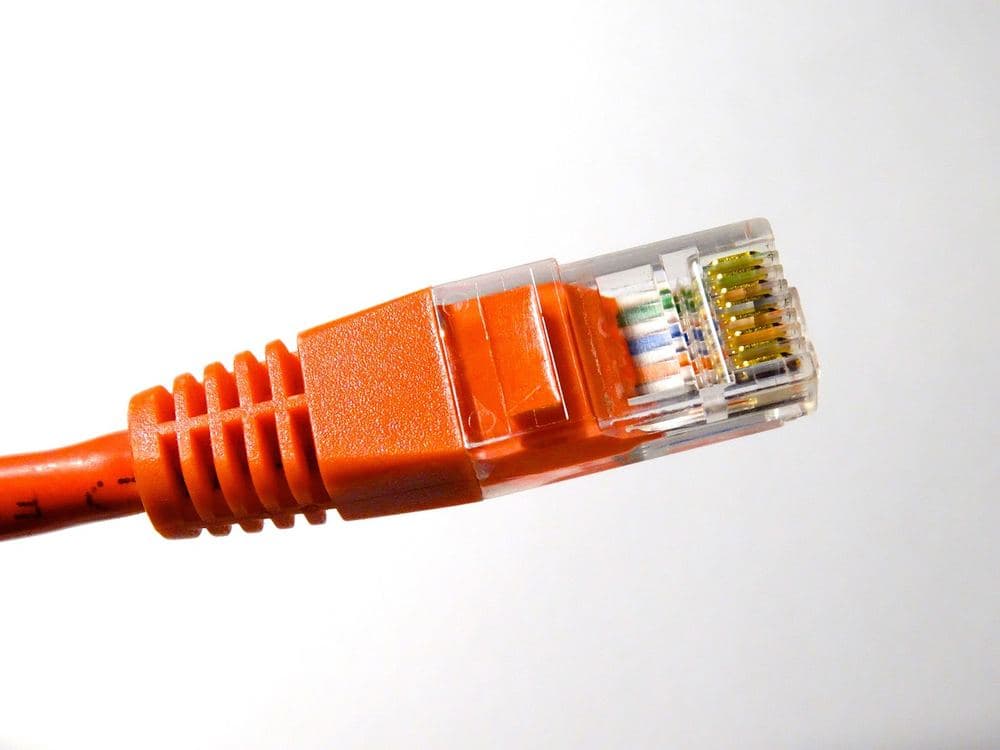
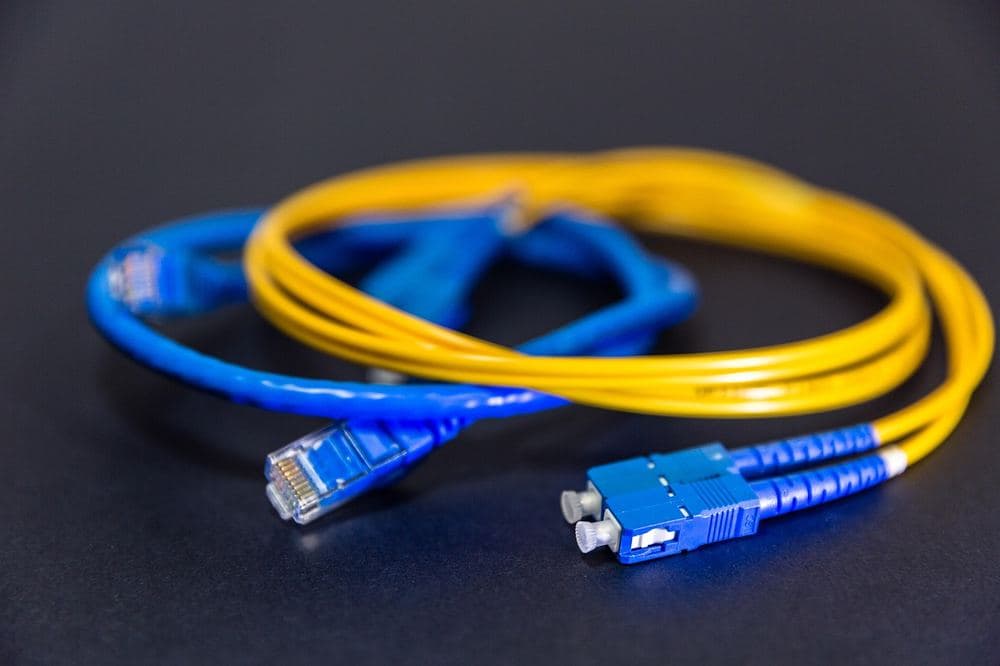
One cost consideration often overlooked: to actually utilise 2 Gbps speeds throughout your home, you need network infrastructure capable of handling them. Your existing Wi-Fi router is probably not. A Wi-Fi 5 (802.11ac) router has a maximum theoretical throughput of 1.3 Gbps; in practice, real-world speeds are lower. A Wi-Fi 6 (802.11ax) router is necessary to approach Gigabit+ speeds wirelessly. For wired connections, your Ethernet cables need to be Cat 5e or better (Cat 5e handles 1 Gbps; Cat 6 handles 10 Gbps). Upgrading home networking to take full advantage of NBN 2000 may add $200–$600 to the initial investment.
NBN 250 and NBN 1000: The Sweet Spots in 2026
For households that currently use NBN 50 or NBN 100 and are wondering whether to upgrade, the more compelling discussion is about NBN 250 and NBN 1000 rather than NBN 2000. These tiers provide genuinely transformative improvements for multi-device households at a much more defensible price point.
NBN 250 at $95–$110 per month from providers like Aussie Broadband and Superloop is the plan where the price-performance curve bends most favourably. Five simultaneous 4K streams at maximum quality use 125 Mbps. Add video conferencing, gaming, and IoT devices and you reach 200 Mbps. NBN 250 provides comfortable headroom without paying for capacity that even heavy users rarely approach. Evening speed performance on NBN 250 from quality providers is consistently above 200 Mbps, meaning the theoretical maximum is practically achievable.
NBN 1000 (NBN 1 Gbps) at $110–$140 per month is the plan for households that regularly move large files: game libraries, video production workflows, large cloud backups. The upload speed on some NBN 1000 plans has been improved to 50–100 Mbps in 2026, which meaningfully addresses the traditional limitation of NBN plans. For a household with two work-from-home professionals generating significant data, a creator, and multiple high-usage teenagers, NBN 1000 eliminates internet as a constraint entirely.
How to Check If You Are Eligible for Hyperfast Speeds
NBN 2000 is available exclusively to premises with FTTP or certain HFC connections. It is not available on FTTN, FTTC (without an upgrade), Fixed Wireless, or Satellite connections. To check your eligibility, use the NBN Co address checker or contact your current NBN retailer. As the FTTP upgrade program rolls out through 2026, eligibility will expand to premises currently on FTTC connections.
Even if your address is technically eligible, not all retailers offer NBN 2000 plans. The wholesale cost structure makes the tier commercially challenging for smaller providers to price competitively. Check the SaveNest internet comparison tool filtered to your address and the NBN 2000 tier to see which providers offer it and at what price.
The Verdict: Is 2 Gbps Worth It in 2026?
For the majority of Australian households — including most households with 4–6 occupants, multiple streamers, gamers, and work-from-home users — NBN 2000 is not the right plan. NBN 250 or NBN 1000 provides all the practical performance they will ever use, at $40–$70 less per month.
For households with specific high-bandwidth professional workflows — video production, large-scale data work, intensive cloud backup requirements — NBN 2000 provides a genuine productivity benefit that may justify the premium. Run the numbers on how much time you currently spend waiting for large file transfers and uploads, and multiply by your hourly rate. If the time saving is worth $40–$70 per month, the upgrade makes sense.
The more interesting question for most households is not whether to upgrade from NBN 100 to NBN 2000, but whether to upgrade from NBN 50 to NBN 250 — a meaningful performance jump at a modest cost increase. If you are still on NBN 50 and have more than three occupants, the evening experience on NBN 250 is dramatically better. Use the SaveNest comparison tool to see NBN 250 plans available at your address and the cost difference from your current plan.
Frequently Asked Questions
Do I need new equipment for NBN 2000?
Yes, almost certainly. To benefit from Gigabit+ speeds, you need a router capable of delivering those speeds to your devices. A Wi-Fi 6 router is the minimum recommendation, and a Wi-Fi 6E or Wi-Fi 7 router delivers the best experience. For wired connections, ensure your internal Ethernet cabling is Cat 5e or Cat 6. Plan for an equipment cost of $200–$600 if you are starting from older infrastructure.
Is NBN 2000 available everywhere with FTTP?
Not yet. While NBN Co's network infrastructure supports NBN 2000 on all FTTP connections, not all retailers have launched Hyperfast plans in all areas. Availability is expanding through 2026. Check the SaveNest comparison tool for current availability at your specific address.
Can I try NBN 2000 and downgrade if I do not need it?
Most NBN plans are month-to-month with no lock-in. You can upgrade to NBN 2000 for a month, test whether it materially improves your experience, and downgrade without penalty. This trial-and-assess approach is the lowest-risk way to evaluate whether the speed improvement justifies the ongoing premium for your specific household.
The Business Case for 2 Gbps: Home Office Scenarios
While 2 Gbps download speeds have limited value for most residential use cases, the upload speed of 200 Mbps on NBN 2000 plans has more practical business applications. Remote workers submitting large files to corporate servers, architects and engineers using cloud-based design platforms with heavy asset files, and medical imaging professionals working with high-resolution scan files all have legitimate needs for upload bandwidth above what NBN 100 provides (20 Mbps) and even above what NBN 250 provides (25 Mbps standard).
The calculation for business users is straightforward: if waiting for large file uploads costs you productive time, quantify that time in dollars and compare to the monthly premium of the faster plan. A professional earning $150 per hour who spends 20 minutes per day waiting for file uploads is losing $250 per week — roughly $1,000 per month in productivity. The $40–$70 monthly premium for NBN 2000 versus NBN 100 would be justified many times over if it eliminated even a fraction of that waiting time.
For content creators specifically — YouTube channels, podcasting studios, online educators with large video libraries — upload speed is often the primary bottleneck in their workflow. A 20 GB 4K video upload at 20 Mbps (NBN 100 upload) takes about 2.2 hours. At 200 Mbps (NBN 2000 upload), the same file transfers in 13 minutes. For a creator publishing 3–4 videos per week, this saves 5–7 hours of upload wait time weekly. Whether that time saving is worth $40–$70 per month is an individual calculation, but the value proposition is genuinely meaningful for professional creators.
Network Equipment Required for Gigabit+ Speeds
Achieving Gigabit+ download speeds in practice requires a network stack capable of handling those speeds end-to-end. Your modem-router is the first potential bottleneck — older routers with Gigabit Ethernet WAN ports can handle up to 1 Gbps, but routers with older processors may struggle to route at full Gigabit speeds under load. For NBN 2000, you need a router with a 2.5 Gbps or 10 Gbps WAN port — these are available but represent a higher price tier than standard home networking equipment.
Wi-Fi 6 (802.11ax) routers deliver maximum theoretical throughput of 2.4 Gbps on the 5 GHz band with multi-user MIMO. In practice, a single device will rarely exceed 600–800 Mbps on Wi-Fi 6 due to real-world interference and protocol overhead. For devices needing consistent Gigabit+ speeds — a desktop workstation, a NAS server, a gaming PC — a wired Ethernet connection is necessary. Ensure your Ethernet cabling is Cat 6 or better if you want to sustain speeds above 1 Gbps on wired connections.
The total investment to properly equip a home network for NBN 2000 performance — a Wi-Fi 6E router with 2.5 Gbps WAN, Cat 6 patch cables, and potentially a managed network switch — is $400–$800 above the cost of adequate equipment for NBN 250. This capital cost should be amortised over the router's expected lifespan (4–6 years) when calculating the true total cost of the NBN 2000 decision.
Alternatives Worth Considering Before Committing to NBN 2000
Before committing to an NBN 2000 plan, consider whether NBN 1000 meets your needs. NBN 1000 (1 Gbps download, 50 Mbps upload) is available at $110–$140 per month — $30–$40 cheaper than NBN 2000 plans. For the vast majority of use cases described above, NBN 1000 is sufficient. The incremental benefit of NBN 2000 over NBN 1000 is primarily the higher upload speed (200 Mbps vs 50 Mbps) and the theoretical download ceiling (which you will rarely approach in practice).
If upload speed is your primary concern — as it is for video creators and large-file uploaders — some NBN 1000 plans now offer enhanced upload speeds of 100 Mbps on FTTP connections, matching the upload improvement of NBN 2000 at a lower download speed tier and lower price. Check whether your preferred provider offers an enhanced-upload variant of their NBN 1000 plan before assuming you need NBN 2000 for upload performance.
Real-World Speed Tests: What Users Actually Experience
Marketing speeds and real-world speeds diverge considerably on all broadband technologies. ACCC's Measuring Broadband Australia report consistently shows that customers on 1Gbps plans receive median download speeds of around 750–850Mbps during peak hours — still impressive, but not the theoretical maximum. For 2Gbps services, the ACCC has not yet published statistically significant real-world benchmarks, but early adopter forums and ISP transparency reports suggest median speeds of 1.4–1.7Gbps.
Upload speeds tell a different story. FTTP services are typically asymmetric — a 2Gbps download plan often comes with 500Mbps or 1Gbps upload. For content creators, large file uploads, and remote server management, upload speed matters as much as download. Check your ISP's wholesale agreement with NBN Co to confirm the upload tier included in your plan.
Latency is arguably more important than raw speed for most interactive applications. Gaming, video calls, and real-time collaboration tools are latency-sensitive. NBN FTTP delivers median latencies of 8–12ms, compared to 20–35ms for cable (HFC) and 150–600ms for satellite. No amount of bandwidth compensates for high latency in interactive applications.
The Router Bottleneck Most People Ignore
Even if you subscribe to 2Gbps internet, your Wi-Fi router becomes the limiting factor for wireless devices. Standard Wi-Fi 5 (802.11ac) routers struggle to deliver more than 600–900Mbps to a single device. You need a Wi-Fi 6 or Wi-Fi 6E router to approach gigabit speeds wirelessly, and even then, real-world wireless throughput depends on signal strength, interference, and the capabilities of each connected device.
For wired connections — desktop computers, gaming consoles, smart TVs, network-attached storage — you need a router with 2.5G or 10G Ethernet ports to fully utilise a 2Gbps WAN connection. Most consumer routers sold in 2024 and earlier have only 1Gbps ports, creating a hard cap on wired throughput. Upgrading to a router with multi-gigabit ports typically adds $200–$500 to your setup cost.
Practical recommendation: if you have fewer than 10 heavy users in your home and don't run commercial-grade applications, 1Gbps NBN delivers effectively unlimited bandwidth for domestic use. The 2Gbps premium is currently justified mainly for home businesses, power users who routinely max out a 1Gbps connection, or technology enthusiasts who want future-proofing.
Checklist for Action
- Audit your current bills: Gather your last 12 months of statements for Internet.
- Compare the market: Use SaveNest's comparison tools to identify the top 3 cheapest providers in your area.
- Check for loyalty taxes: Call your current provider and ask them to match the best offer you found online.
- Verify concessions: Ensure you are receiving all state and federal rebates you are entitled to.
- Set a reminder: Mark your calendar for a 6-month review to ensures you stay on the best plan.
- Share the savings: Tell a friend or family member how much you saved to help them avoid the 'lazy tax' too.